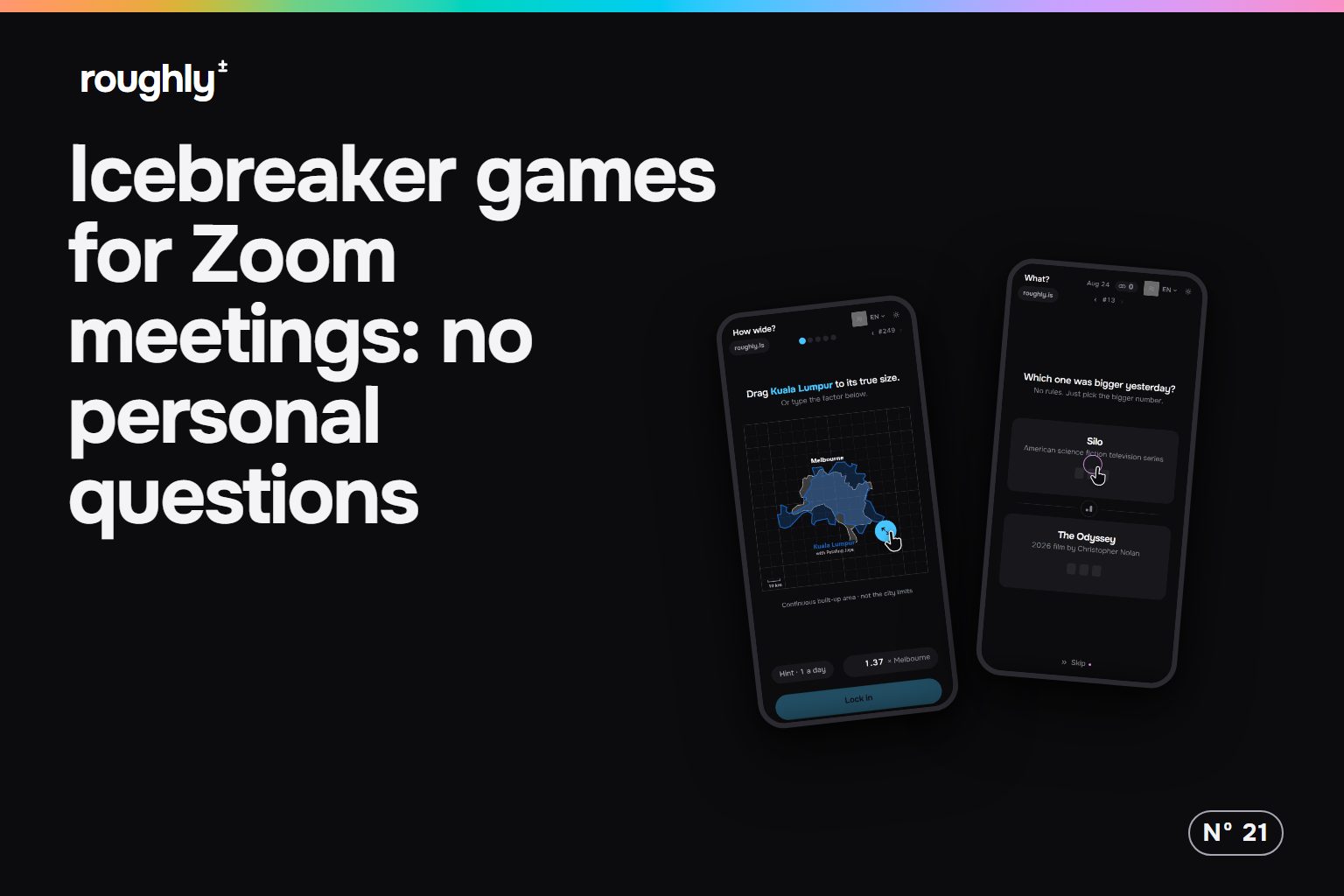
The classic icebreakers are personal questions: two truths and a lie, a favourite holiday, a fun fact. They put one person on the spot while the others wait, and in a video call that wait is a grid of muted tiles. The usual way out is a trivia quiz, which rewards whoever happens to know trivia. An estimate needs neither a confession nor a trivia brain.
An estimate puts everyone on the same footing
Hardly anyone knows how long the Hindenburg was. When players of How big? had to size it, the typical guess was 46 metres for an airship 245 metres long, as the Hindenburg analysis shows.
A miss that size starts a conversation without anyone saying something about themselves. The question is about the world, the guess is a number or a gesture, and the reveal turns everyone's guess into a distance from the truth. The new hire and the team lead can be wrong in the same direction, and that is easier to laugh about than a fun fact.
A room keeps the whole call guessing at once
Fair questions are half of it. The other half is that everyone answers together, so nobody waits for a turn. A roughly room runs in the browser:
- The host opens a room, sets the time per round and picks a game.
- The host pastes the four-letter code or the link into the meeting chat.
- Everyone picks a name and joins on a phone or laptop. No account.
- Everyone locks in a guess, and the answers show all at once.
- After five rounds, the host picks the next game with the same code.
So the call never splits into players and spectators. If the host wants the call to watch the board together, Zoom's screen sharing can show one selected application, such as the browser window, instead of the whole desktop. Five rounds at 30 seconds each are two and a half minutes of guessing, short enough for the start of a weekly meeting.
Estimating sounds like a maths test, until the first round
The strongest objection: some colleagues freeze when a meeting asks for numbers, and a guessing game could feel like an exam. It does not play like one. Most rounds are a gesture: drag a size, drop a pin on a map, pull a slider. Typing a number is optional, and nobody is expected to know the answer.
How many? is a good first game for a call because the unit is you. Each player sets their own height once, and every answer is a count of yourself. At 1.70 metres it takes 27 of you to reach the torch of the Statue of Liberty, and anyone taller needs fewer. That makes the comparison personal in a harmless way.
A guessing round does not replace a real conversation
When a team needs to talk about how work is going, a game is the warm-up, not the conversation. In a call of two, a shared reveal has little to compare, and a plain question works just as well.
For the next meeting: open the room two minutes before, paste the link when the call starts, play one game of five rounds, then start the agenda. If it lands, keep one round for the Monday call and switch the game each week. For dailies people can play alone between meetings, there is a list of games like Wordle but not words.
One link in the chat, five rounds, nothing personal asked.
Open a room for your Zoom meetingSources 1
- Zoom: Screen sharing - hosts can share one selected application instead of the whole screen; available to all account types